
On this pageTap to expand
Wipster is a video review and approval platform built for teams who need to get feedback on footage and cuts without endless email threads or mismatched timecodes.
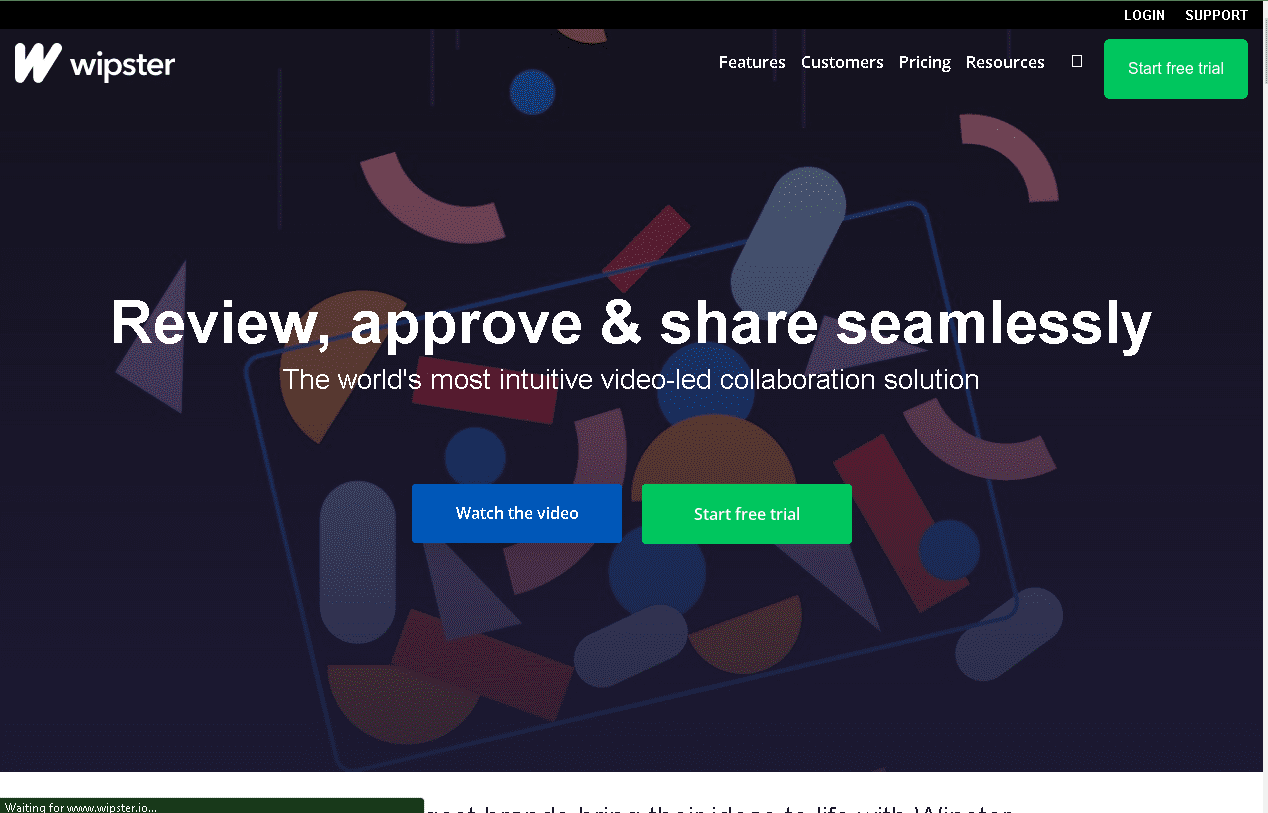
Reviewers can leave time-stamped, frame-accurate comments and drawn annotations directly on the video, and the platform tracks approval status so everyone can see at a glance whether a cut is signed off or still in review.
The best feature of Wipster is how little friction it adds: clients and stakeholders who don't own an account can still review and comment on a shared link.
Wipster

Wipster supports global teams across time zones with asynchronous review. Get your whole team heard, and review your work collaboratively in a virtual space, around the clock. Feedback threads facilitate conversations, and tasks and notifications keep everyone on the same page.
Wipster is a video platform that allows content creators to collaborate on videos with other users.
The platform provides a place for content creators to upload their videos and share them with other users in order to get feedback on the videos or provide input for future videos.
Wipster is a paid subscription platform: individuals and small teams pay for a seat-based plan, with higher tiers unlocking more reviewers, storage and admin controls.
Wipster Pricing
As of this review, Wipster's pricing is seat-based rather than project-based, and is billed monthly or annually (annual billing is cheaper per month).

Charge what you’re worth — and hear “yes” more often
Positioning and follow-up tactics from the Get More Video Clients guide so you stop under-quoting and start winning work that fits your rates.
The Light plan starts at $9.95/month per user (billed annually) or $11.95/month billed monthly, aimed at individuals and occasional reviewers. The Team plan, Wipster's most popular tier, is $19.95/user/month billed annually or $25/user/month billed monthly, aimed at small and growing companies. An Enterprise tier with custom pricing is available for larger, distributed teams. Always check wipster.io for current pricing, since SaaS pricing changes over time.
Wipster Integrations
Wipster integrates with Adobe Premiere Pro and After Effects, so editors can send a cut for review without leaving their timeline, plus Slack for review notifications and a Wipster API for teams that want to build custom workflows around it.
Wipster Company Information
Wipster was founded in Wellington, New Zealand, by filmmaker Rollo Wenlock, launching in late 2012/early 2013 as one of the first dedicated video review and approval platforms. Wenlock stepped down as CEO in April 2021 and was succeeded by Jimmy McGee, with Wenlock continuing to serve on Wipster's board.
Wipster Product Details
Wipster is a cloud-based, browser-accessible platform, so reviewers don't need to install anything to leave feedback — they can open a shared review link and comment directly on the video.
Its core workflow centres on frame-accurate, time-stamped comments and freehand annotations drawn directly on the frame, version comparison so reviewers can see what changed between cuts, and an approval status system so a producer can tell at a glance which deliverables are signed off.
Wipster Frequently Asked Questions
What is Wipster?
Wipster is a subscription video review and approval platform. Editors upload a cut, reviewers leave time-stamped comments and drawn annotations directly on the frame, and the platform tracks approval status through the revision process.
How do I sign up for Wipster?
You create an account directly at wipster.io and choose a paid plan; there's no need to fill in payment details just to look at the product first.
Is Wipster safe?
Wipster is a paid, established SaaS product that has been operating since 2013, and reviewers who aren't Wipster subscribers can comment via a shared link without creating an account of their own. As with any cloud service handling unreleased footage, check Wipster's current security and privacy documentation before sharing especially sensitive material.
Is there a free way to try Wipster?
Wipster's published plans are all paid subscriptions; check wipster.io/pricing directly for any current trial offer, since free-trial availability changes over time.
Does Wipster work with editing software I already use?
Yes — Wipster integrates with Adobe Premiere Pro and After Effects, so review comments can appear inside the timeline you're already editing in, rather than in a separate browser tab.
Who is Wipster's video review tool built for?
Wipster is aimed at video editors, producers and creative agencies who need sign-off from clients or internal stakeholders who aren't necessarily comfortable using editing software themselves.

Stop under-scoping jobs on the discovery call
The Discovery Call Checklist walks you through the questions that surface scope, budget, and timeline — before you send a quote you’ll regret.
Wipster Video Review & Collaboration
Wipster's core feature is exactly what its name suggests: reviewers can pause on any frame of a video and leave a time-stamped comment or a freehand drawing directly on the image, rather than trying to describe a moment in a separate email or spreadsheet.
Comments thread together so a producer, client and editor can have a real conversation about a specific frame, and each new cut can be compared against the previous version so reviewers can see exactly what changed.
How do I use Wipster?
Typical workflows include:
Sending an internal cut to a producer or creative director for a first pass of notes before a client ever sees it.
Sharing a client-facing review link so stakeholders who don't have a Wipster account can leave time-stamped feedback and formally approve a deliverable.
Comparing two versions of the same edit side by side to confirm that requested changes were made correctly.
Wipster Visual Feedback
Wipster Visual Feedback is a visual feedback tool that allows you to quickly review changes in your designs. Wipster Visual Feedback is a great way to get feedback from your customers and stakeholders on your designs. The Wipster Visual Feedback tool makes it easy for everyone involved in the design process to provide feedback on the design.
Visual feedback is an essential part of the design process, but it can be difficult to deliver. With our new Wipster Visual Feedback tool, you can quickly and easily capture user feedback inline as you make changes to your designs.
The Wipster Visual Feedback tool integrates directly into the Wipster team collaboration platform so users can share their work with others in real-time and receive instant feedback based on their own design changes.
The Wipster Visual Feedback tool includes two different modes of operation: Feedback Mode and Discussion Mode. Feedback Mode allows users to view comments made by other team members as they make changes to their designs and discuss those changes with each other until they are satisfied with their results before committing them back into master copies (if needed).
In Discussion Mode, users can post comments on specific areas within an object or application that may need improvement or clarification.
Wipster – Features To Look For
If you're comparing Wipster against other review tools, the features worth checking are:
Frame-accurate commenting – the ability for a reviewer to pause on an exact frame and leave a note or a drawn annotation, rather than a timestamp that only gets you approximately close.
Guest review access – whether clients and stakeholders can comment on a shared link without creating their own paid account, which matters if most of your reviewers are outside your own team.
Editor integrations – Wipster's Premiere Pro and After Effects panels let editors send a cut for review and see comments without leaving their editing software.
Version comparison – the ability to see exactly what changed between one uploaded cut and the next, so a producer doesn't have to re-watch an entire video to confirm a note was addressed.
Wipster Review – Wrapping Up
Wipster solves a specific, recurring problem for video teams: getting clear, frame-accurate feedback from people who aren't editors, without it turning into a scattered email thread.
It won't replace a full asset-management platform for teams that need extensive storage and camera-to-cloud workflows, but for review-and-approval specifically, its focus on speed and simplicity is the main reason teams choose it over a heavier tool like Frame.io.
Check current pricing and feature details at wipster.io before committing to a plan.


New comments are not currently accepted.
Comments